Showing posts with label cricut. Show all posts

Saturday, January 25, 2020

How to Become a Craft and Hobby Affiliate!

If you've ever thought about taking your love of arts and crafts to the next level and wonder what an affiliate is or does, then stay with me.  I'm going to be covering some basics about how to become an affiliate and what that entails.  Although affiliates come from many other skill sets and industries, my primary focus will be on the craft and hobby industry, as that is where my personal experience lies.  I am by no means an expert, but am happy to share what I do know, in the hopes that you can make that choice for yourself and decide if this is something that would be a good fit for you.


(FTC Disclosure: as an affiliate for various companies in the craft industry, I will receive a small commission for purchases made through my convenient affiliate links, at no additional cost to you.)


So, what is an affiliate? They come from all walks of life. If you have any interaction with social media, whether it be a company site or a craft group on Facebook, then you've probably interacted with an affiliate. An affiliate is someone who has an affiliation or relationship with a company, to sell and promote their products.  It might be a DIY blogger, a design team member or an avid fan of the product.


Not all companies have an affiliate program. Some reserve that right specifically for their design team.  However, many do. The programs vary, as do the requirements to become an affiliate. The burning question is, "How do I get started?".  


Keep in mind, most companies are looking for someone who has an active presence on social media. It never hurts to be a fan and user of the product but you will need to have a plan on how you're going to promote the product for the company, in order to be accepted as an affiliate.

There are so many different affiliate programs with different requirements. One site, that houses multiple companies under it's roof, is Shareasale.com.  I'm an affiliate for Shareasale and it's a wonderful program. You'll find so many articles and information for new affiliates on their blog.  In fact, if you sign up as an affiliate through my link above, I will receive a lead commission, once you have generated $20 in commissions.  I would be remiss if I didn't share that with you!

Why should you sign up at Shareasale? Well, it's the hub for a ton of craft companies. This is where you go if you want to become an affiliate for brands like:


See what I did there? I linked my affiliate link to each company above and yes, I'm an affiliate for all of them and several others, through Shareasale!


You will need to fill out an application at Shareasale which involves adding your bank account information and your tax information.  This is required.  As you earn commission, the money accrues in your Shareasale account.  There is a lock date for disbursement of commissions earned ($50 minimum) once a month and it is direct deposited into your bank account.  I don't want to confuse you and throw too much information out there at one time, but you do need to know these requirements when applying. Once you've filled out your Shareasale application and linked all the required information then, you must be approved by Shareasale.  



Once you're approved, you can then do a merchant search on the site for any brands that you're interested in becoming affiliated with. You will then fill out an application for that brand, who will require a plan of action on how you plan to promote their products. 

Keep in mind, you may or may not be approved.  Depending on your plan of action (promoting on your various social media channels, sharing sales, new releases and promotions, etc.) a company may automatically approve your application, may consider your application and notify you at a later date, or may even refuse your application.  

Honestly? I've never had a company refuse me as an affiliate. I'm selective about who I chose to become affiliated with. I also will only apply as an affiliate if I absolutely love the brand or company.  If you don't love a product or brand, it will show.  I cannot stress enough how important it is to have a relationship with the brand. That may be the key factor in whether or not you're accepted as an affiliate.

There are other companies who have their own affiliate programs through other sites. Typically, you can scroll to the bottom of a company corporate page and find a link or informational page to apply to their affiliate program (as pictured in my 2nd graphic).

Some companies will want to know the links to your social media, how many followers you have on Pinterest or YouTube, for example. Whether you have 500 or 10,000 followers, that's not necessarily a deal breaker in being accepted. Some companies simply want the information for tracking purposes and reports. 

There is so much information out there on affiliates, so many different programs, and so many unique ways to share your love of a product and perhaps earn a few bucks in the process.


I know a lot of crafters who have turned this into their full time job. Each one will tell you, it's a lot of hard work, albeit, work that they love!  Although I work a full time job outside this industry, I've chosen to do affiliate work on the side. As a part time craft blogger (but full time lover of all things stamping and paper!), I spend many evenings each week and some weekends, creating and in preparation for promoting my projects on social media.  Most of the projects and work I do are affiliated projects.  However, I also do other projects that are not affiliate related but simply because I love the product.

The bottom line is this. If you wish to become an affiliate in this industry, I believe there are 3 key components that every affiliate should strive for, in addition to being tech savvy.  Let's face it, if you don't understand how technology works, this is not for you. There is a learning curve involved, but if you have the will and desire, you can make it happen! So, here it is:

  1. Relationship. Having a relationship with the brand is key. Being active in their forums, groups, etc and interacting with others who are like minded, gets your name out there and recognized.

2. Determination. If you don't have the desire or drive to continually be involved with the brand, interact with others and promote, promote, promote, then affiliate work may not be for you.

3. Quality. Let's be honest. If you love what you do, it shows. However, as an affiliate, you have to not only love what you do, but you have to put your best foot forward. That means, putting out quality work and imagery. If you want someone to purchase a product, imagery sells. Imagery is not only a top notch project, but excellent lighting and staging of your project. You are not only selling the product, but you are selling yourself as well. That's a whole other topic for another day!


So, let's wrap this up. Does it take money to make money? Some companies will send you products free of charge, or in exchange for product reviews. I still purchase stamps, paper and supplies that I love. The bonus factor in becoming an affiliate is some companies allow you to make a commission off your own purchases through their affiliate link. It's just a small way to offset the cost of outright buying the product at full price.

You do need to know this; there are laws and guidelines in place for affiliates. The federal trade commission requires that you make FTC disclosure and notify others that you are receiving product or commission on purchases made through your affiliate links. This is in place to avoid deceptive practices. You can learn more about FTC disclosure, here.  If you'll notice under the first paragraph of this blog post above, I always place FTC disclosure!  You also need to disclose affiliate status when sharing on other social media, whether it be a  simple "affiliate" mention somewhere in the post, or a "paid sponsorship" post.

You also need to be aware of laws in your state.  For example, I live in what's considered a Nexus state.  That means a law has been passed that requires any company who does business in that state to pay online taxes. This can affect whether you are accepted as an affiliate on a commission basis or per click basis. Because I live in a Nexus state, some of my commissions are per click.  That means if you click any of my affiliate links, I will receive a less than 0.25 cent commission, whether you make a purchase or not.  You have no idea how much I appreciate you clicking those product links!!  
The laws are different in each state and each company sets their own commission, so commission rates will vary.

Do I make a boatload of money?  I wish the answer was yes! What I do make is about enough to buy a handful of Starbucks drinks for myself and a friend, every month! It's all about time. The more time you put in, the more work you put in, the more relationships you develop with others, the more you receive. Being an affiliate, for me, is not about the money. What I do make helps offset the expense to run my blog, giveaways on social media and technology expense that is often involved for the creative process. There are free apps out there for editing photos but good quality photos often need the assistance of a paid program or software. 

I've probably gone way over my time limit here. If you've hung out until the end, then God bless you! I know I've thrown a lot at you and I hope this is invaluable information to you.  I hope I haven't scared anyone off!! Listen, if you are a lover of a product, just start out with one company. See if they'll take you on and give it a go. Learn all you can and then just blossom from there.  Good luck and I would love to hear your comments below, if this information was helpful.

Have a great day and stay crafty, my friends!  Terri 


#wavingmywand #shareasale #affiliate #howtobecomeanaffiliate #scrapbookcom #rangerink #simonsaysstamp #tombowusa #pinkandmain #trinitystamps #thermoweb #sunnystudiostamps #cricut #heroarts #craftblogger #tutorial #papercrafter #hobby #crafts #stamping #scrapbooking #mixedmedia #terriburson

Thursday, November 8, 2018

Christmas Favor Boxes for Scrapbook Adhesives by 3L

 Have you begun your Christmas crafting?  I'm getting a jump start today, with this trio of Christmas Favor Boxes for Scrapbook Adhesives by 3L.  Be sure and visit their blog to see all the boxes in detail.  I'm creating with the Authentique Nostalgia paper collection and using a file that I purchased from Cricut, for use in my design space.  It was only $1.49 and I can use it over and over!  Scroll down for more details on the file.


(FTC Disclosure: as an affiliate for various companies in the craft industry, I will receive a small commission for purchases made through my convenient affiliate links.  This does not affect your purchase price.)


This is the Open Favor Box from the Martha Stewart Beginner's Collection and is Cricut design space file #M54C4C42. I expanded the file out to approximately 11.5 inches in width to create my scored and folded boxes.  They were super easy and quick to assemble.  This file is only available for purchase if you have access to Cricut's design space.  You can upload the file, then purchase it prior to cutting.


  Once assembled, my favor boxes measured 3.5"W by 4.5" L.   You can simply copy and paste the link below into your design space and click "Make It", to begin cutting with your Cricut Explore.


Let me mention that I love the thickness of the Authentique Nostalgia paper.  Its perfect for cutting and I had no problems with paper tearing or the blade not cutting all the way through.  It worked perfectly on the regular cardstock setting.


I have shopping links for most of the products that I used, below.  Thanks so much for stopping in and click this link, to see the rest of my products and creative tips over on the the Scrapbook Adhesives by 3L blog.  See you next time.... Terri


SUPPLIES:

I’m listing the products I used throughout this post. Click on the link to go directly to the product. Where available I use compensated affiliate links which means if you make a purchase I receive a small commission at no extra cost to you. Thank you so much for your support!


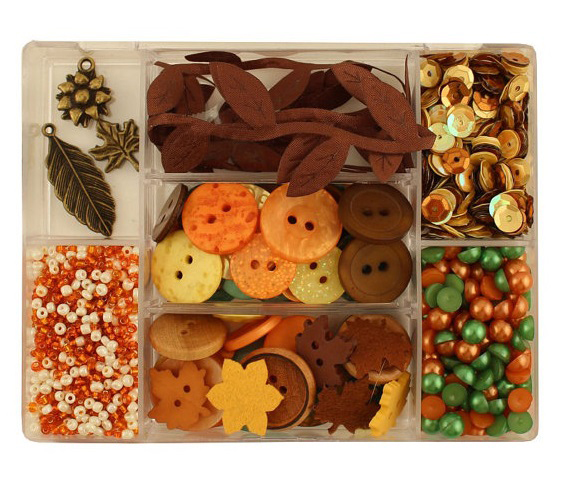
28 Lilac Lane Autumn Afternoon Embellishment Kit
Shop at:
Scrapbook.com | Simon Says Stamp
Umbrella Crafts Jumbo Decorative Nesting Tag Dies
Shop at:
Scrapbook.com
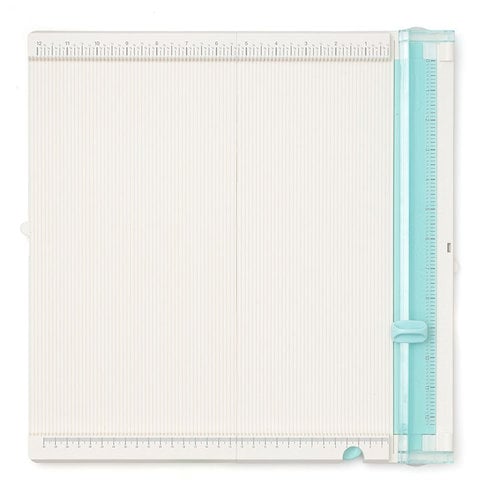
WRMK Trim and Score board
Shop at:
Scrapbook.com
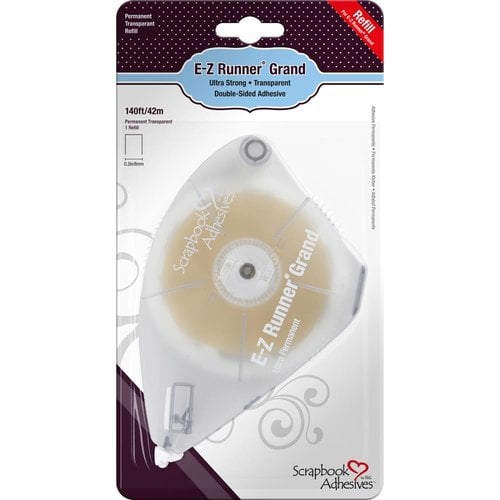
Scrapbook Adhesives by 3L EZ Grand Ultra Refill - Clear
Shop at:
Scrapbook.com | Simon Says Stamp
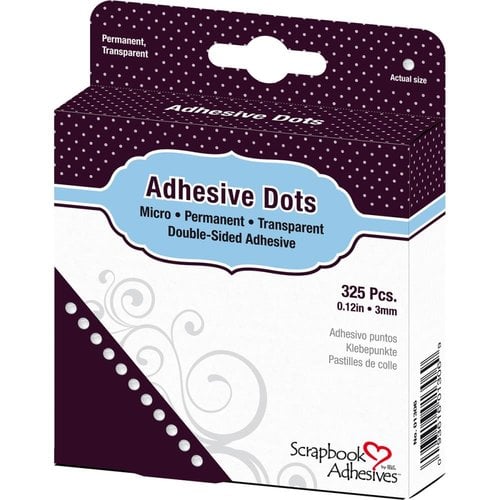
Scrapbook Adhesives by 3L Micro Dots
Shop at:
Scrapbook.com
Scrapbook Adhesives by 3L 3D Black Foam Circles
Shop at:
Scrapbook.com
Scrapbook Adhesives by 3L E-Z Grand Runner
Shop at:
Simon Says Stamp
Scrapbook Adhesives by 3L Crafty Foam Tape
Shop at:
Simon Says Stamp
Authentique Nostalgia Paper Collection
Shop at:
Simon Says Stamp
Buttons Galore Aquamarine Sparkletz
Shop at:
Simon Says Stamp
May Arts Ribbon Ivory Burlap String
Shop at:
Simon Says Stamp


#scrapbookadhesivesby3L  #EZRunnergrand #foamcircles #wavingmywand  #scrapbook #cardstock #diecuts #adhesives #stickers #DIY #papercrafts #partyfavors #scrapbooking #terriburson  #scrapbookcom #handmade #photocorners #kraft #treatbox #favorbox #partydecor #mayartsribbon #buttonsgalore #sparkletz #autumnafternoon #buttons #authentique #nostalgia #vintage #christmas #christmasdecor #holidayfavors #dogs #cats #pets #deer #tags #wermemorykeepers #simonsaysstamp #cricut #cricutexplore #marthastewart
Saturday, October 13, 2018

Halloween Card featuring Paper House Productions

It's Halloween week at Paper House Productions and today I'm going outside the box, using my Marbleous papers to create my yellow die cut pumpkin.  If you're looking for more Halloween inspiration, make sure you're following Paper House on Facebook where they've been sharing amazing projects from the design team all week.


(FTC Disclosure: as an affiliate for various companies in the craft industry, I will receive a small commission for purchases made through my convenient affiliate links.  This does not affect your purchase price.)


Those tiny stars are from the Marbleous Cardstock Sticker Multi-pack and add shimmery gold sparkle to my ink blended dusky sky.


I paired some silhouette die cuts using my Cricut Explore and I also have a silhouette backdrop to my pumpkin.  You'll find most of the products that I've used, linked at the end of this post.


Thanks so much for stopping in.  I hope this gives you some fun ideas for your Paper House Production papers and stickers!  See you next time........  Terri


SUPPLIES:


I’m listing the products I used throughout this post. Click on the link to go directly to the product. Where available I use compensated affiliate links which means if you make a purchase I receive a small commission at no extra cost to you. Thank you so much for your support!


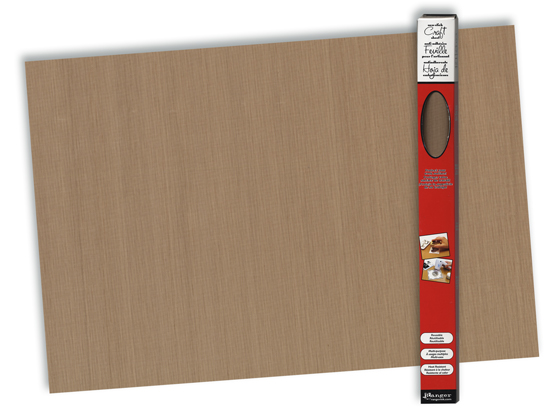
Ranger Inkssentials Craft Mat 15x18
Shop at:
Scrapbookcom
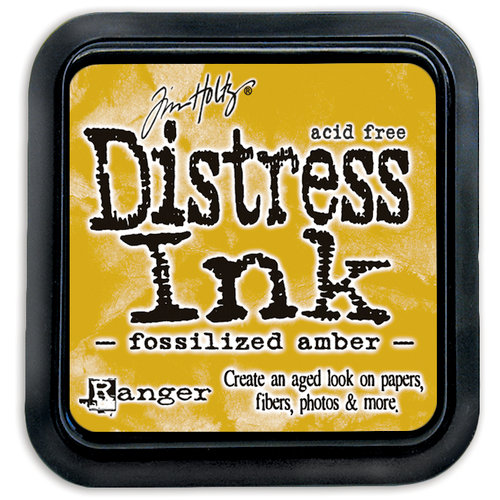
Ranger Distress Ink - Fossilized Amber
Shop at:
Scrapbookcom
Cricut Explore
Cricut Explore
Shop at:
Scrapbookcom
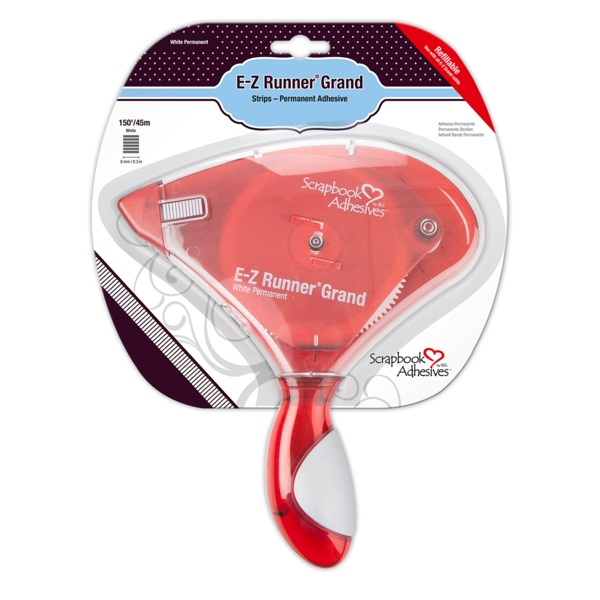
Scrapbook Adhesives by 3L EZ Grand Runner
Shop at:
Scrapbookcom
Neenah Solar White Cardstock 8.5x11 inch
Shop at:
Scrapbookcom
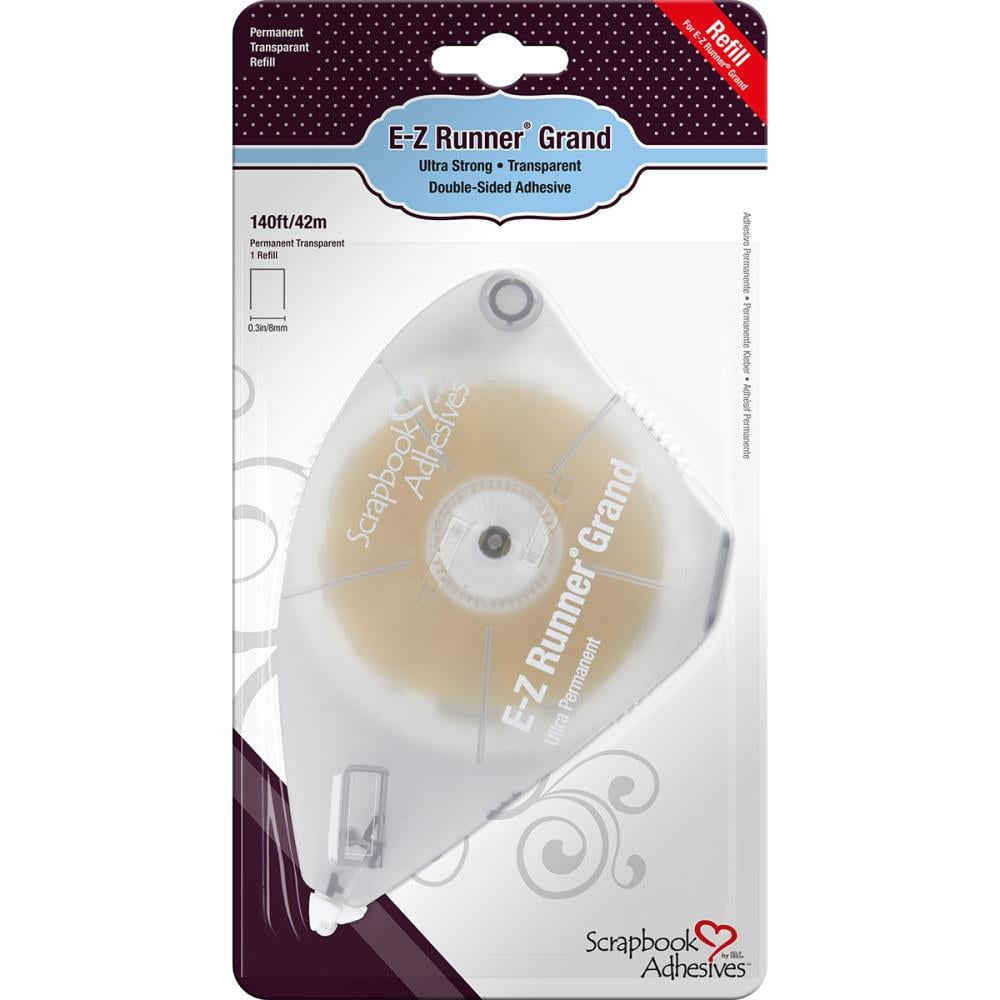
Scrapbook Adhesives by 3L EZ Runner Grand Refill
Shop at:
Scrapbookcom
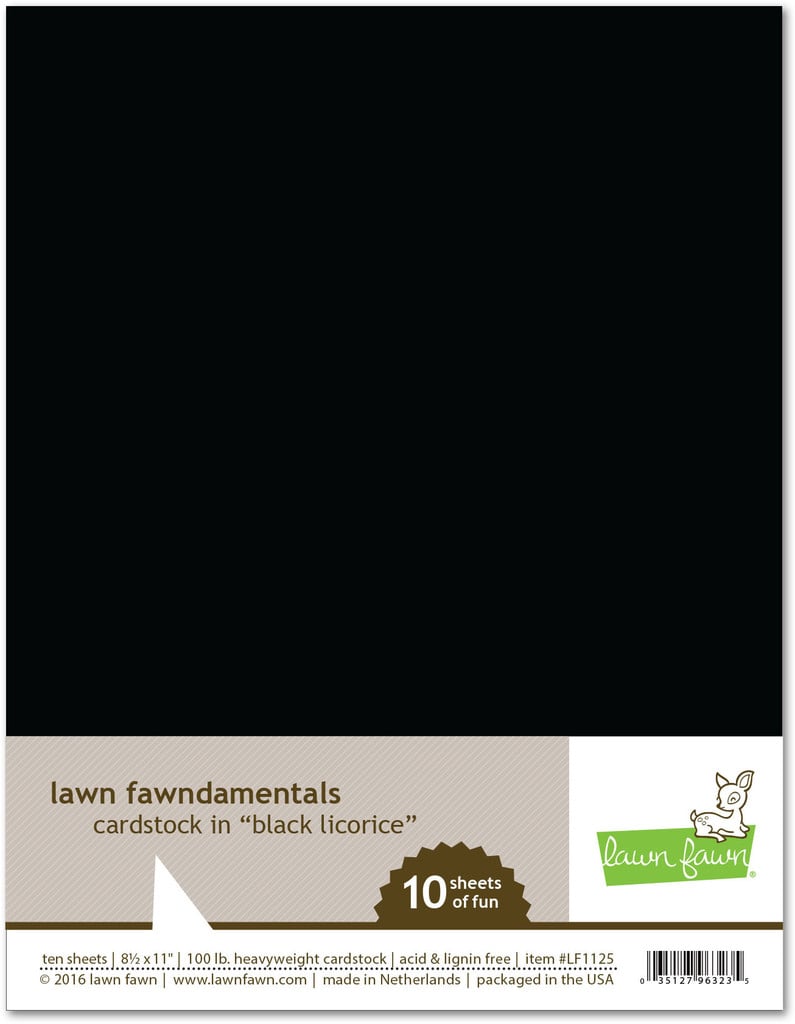
Lawn Fawn Black Licorice cardstock
Shop at:
Scrapbookcom
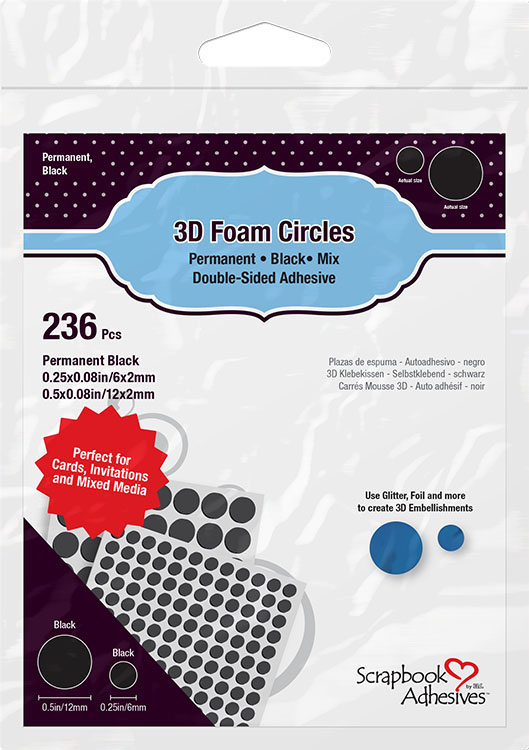
Scrapbook Adhesives by 3L Foam Circles Mix Black
Shop at:
Scrapbookcom
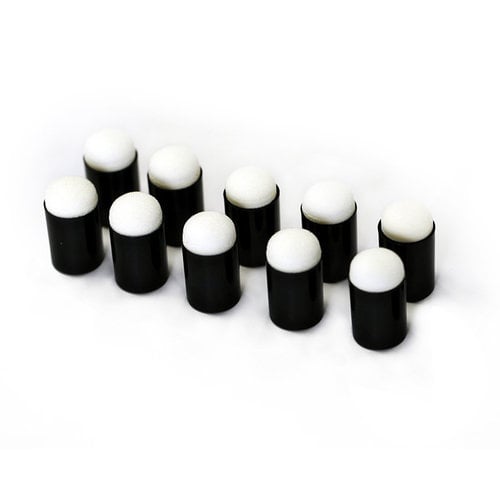
Sponge daubers 10 pk
Shop at:
Scrapbookcom
Marbleous Cardstock Sticker Multi-Pack
Shop at:
Scrapbookcom | Paper House Productions


#wavingmywand #paperhouseproductions #scrapbook #marbleous #stickers #stars #cardstock #halloween #picketfence #crow #pumpkin #cricut #provocraft #cricutexplore #diecuts #adhesives #DIY #papercrafts #cards #cardmaking #Neenah #solarwhite #scrapbooking #terriburson #rangerink #timholtz #buttonsgaloreandmore #buttonsgalore #sparkletz #gemstones #scrapbookadhesivesby3L #scrapbookcom #handmade #handmadecards #halloweencards

Friday, April 28, 2017

Guest Designer for Miss Kate Cuttables

I'm guest designing today for Miss Kate Cuttables, featuring their svg files with my Cricut Explore. Be sure and stop by their blog, here, and check out my card duo, using several of their cut files: Layered Rose Doily Bloom, Card Phrases and Flourish Leaf Set.


You'll find additional photos, creative details and product information as well as tons of inspiration from the Miss Kate Cuttables design team.


Thanks for popping in!  Terri


#misskatecuttables #guestdesigner #guestdesignteam #cutfiles #svg #rosebloom #layeredrosebloom #leaf #leaves #cardphrases #hello #thankyou #wavingmywand #terriburson #ranger #cricut #cricutexplore #printandcut #designspace #cards #scrapbook #craft #papercrafts #DIY #cre8time #blackandwhite #doubleclickskittles #cratepaper #bloom #maggieholmes #abandonedcoral #distress #twine #glitter #perfectpearls #thread

Monday, April 10, 2017

Easter Critters for Coffee Loving Card makers + Freebie

(**This post contains affiliate links and I will be compensated if you make a purchase after clicking on my links)
Ah, it's Monday and the smell of coffee is in the air.  I'm up on the Coffee Loving Cardmakers blog today with lots of good stuff, including this cute critter shaker card, filled with yummy mini coffee cups, designed with my Cricut Explore.  


If you hop on over to the CLC blog, I've got a free Cricut design space cut file so you can cut out those mini coffee cups to your hearts content.  Plus, there's a few other images that go with the cups that you can use as well.  You can also get all the details on this fun Easter Shaker Card by following the above link.  

Be sure and enter the Sip N Share Sketch Challenge or the CASEing DT Link up Party while your there.  There's always a fun prize up for grabs.  Thanks for popping in!


Don't have a Cricut cutting machine?  Get one here. (affiliate link)


Linking to these challHop
es:


#coffeelovingcardmakers #cricut #cricutexplore #unitystamps #unitystampcompany #stampendous #resistemboss #rangerink #zig #kuretakezig #zigcleancolors ##doodlebugdesign #underthesea #easter #animals #critters #rabbit #bunny #easterbunny #lamb #babychick #chick #shaker #cardmaking #wavingmywand #terriburson #coffee #coffeecups #coffeemug #cards #craft #DIY

Friday, January 20, 2017

Using Your Die Cutting Machine as a Money Maker (+Coupon Code!)

You all know that I love my Cricut Explore.  I mean, really, really, love it.  So much so, that I signed up to be an affiliate a couple years ago.  I use it for so many things.  During the holidays, I spend a lot of time making custom vinyl decals for tumblers and mugs by custom order.  Not only is it a super fun crafting tool, but I'm actually making money, using it!  Let me share a couple things that relate to my Cricut, but the general information I give will apply to other brands as well.


Having a little side income is an added bonus and if you love to tinker with technology, you can visit many free font websites and load up some really fun fonts to play with.  I love hand lettering fonts and calligraphy fonts and have used many for my own personal use.  Some of the artists who design these fonts do require that you purchase a commercial fee license if you plan on making items for sale, but these are usually very small, generally starting at $5.00.  Not a bad price, if you're going to use them as a money maker.  Do your research and google how to upload fonts to your computer.  Once they're loaded to your computer, you simply right click on the folder that holds your files and click to install.  

If you use Cricut Design Space™, once you log in, you'll find your new fonts under "system" fonts.  They may not be in alphabetical order, so be sure to scroll to the end of your list to find them.

I'm seeing so many hand crafted die cuts being sold on Etsy and I really need to get in the game.  One of my goals this year is to stop letting things accumulate and start listing.   I'm an avid cardmaker and have quite the stock pile from doing design team work.  I'm so busy, I haven't taken the time to whittle down this stock pile.  I've come to realize.....THIS IS MONEY JUST SITTING HERE!  I need to sell my handmade cards!

I really want to find a niche item that I can sell, as well, using my Cricut to cut multiples.  I haven't decided yet what my "niche" item will be.  Are you making money with your die cutting machine?  I would LOVE to hear how you're using it, what you're selling and where you're selling.  Please feel free to share in the comments section.  I really want to know!  Share your Etsy page, if you like, also.

If you don't own a die cutting machine then let me share this good news.....

I'm sharing this news and my affiliate links because I believe in Cricut.  I've been a loyal brand user for many years.  You can even download the Cricut Design Space™ app to your iphone or Android phone and design using bluetooth technology.  What will they think up next?!  You have a little time to get in on the sale and free shipping but don't wait too long, as these offers don't come around very often.

If you already own a Cricut and just want to check out what's on sale, go here.  You can use the coupon code on sale items too!


By the way, the bundle deal that you see in the photo above is on sale.  Combine that with the coupon code and you've got a pretty sweet deal.


#cricut #affiliate #sale #cricutexplore #cricutexploreair #couponcode #diecuttingmachine #cricutdesignspace #wavingmywand #terriburson #vinyl #bundle

Tuesday, October 18, 2016

Guest Designer for Die Cuttin' Divas

FTC disclosure: This post may contain affiliate links so, if you purchase a product using the link I may receive a small commission. I only participate in affiliate programs that feature products that I use and love. Your purchase price is not affected in any way, by using my links)
I'm so happy to be guest designing for Die Cuttin' Divas today and sharing a "Pink" project for Breast Cancer Awareness.  I'm an avid supporter of BCA, as my mom and sister were both diagnosed and successfully battled this disease.  Take two minutes to scroll through briefly, then be sure and click the link at the end of my post to head over to the challenge at DCD.  


My project is a Pink Ribbon Shaker Card and since we're talking about "Die Cuttin' Divas", naturally, I'm required to use die cuts on my project.


I've used a design space file that I purchased for .99 from Cricut.com, for use with my Cricut Explore.  It was designed by Jennifer Goode of JGoode Designs and can be found by searching BCA, when you are searching design space, to upload a file image to your project.

I cut 80 of these tiny ribbons for my shaker card and one black one, along with some larger ribbons to embellish the outside of my shaker, as well as some of the words that come with the file.  I ended up just using the word "Hope".    That one black ribbon represents the disease, but, it's being drowned out by "hope".   The other die cut words included in the design space file are; strength, courage and love.  And, isn't that tiny heart cut out of the ribbons' middle just adorable?


(As an affiliate for Cricut, I would be remiss if I didn't put in a shameless plug and mention that you too can own this amazing die cutting machine that is easy peasy to use.  Just click my affiliate link below for more information.)
from: Cricut


Not only did I get a fabulous, inexpensive cutting file that I can use again and again, but by cutting all those ribbons, I ended up with a pretty cool stencil as well and I also incorporated that into my project by sponging inked ribbons onto a piece of striped designer paper for the backdrop of my shaker.


The shaker came together quickly thanks to the Pop Up Shaker Frame that I used, by Queen and Company.  The ink that I'm using is Colorbox Pinkalicious.  Appropriately named, isn't it?  Toss in some sequins and you are done!


Head on over to the Die Cuttin' Divas challenge blog and link up to their challenge.  This is such a lovely group of ladies and I know they will welcome you warmly.  Thanks so much to Georgiana for inviting me to guest design today.  

#diecuttindivas #cricut #cricutexplore #designspace #bca #pinkribbon #breastcancerawareness #wavingmywand #jgoodedesigns #shaker #queenandcompany #card #craft #DIY #cre8time #cutfile #svg #sequins #colorbox #clearsnap #terriburson 

Thursday, September 8, 2016

Nested Owls and Planner Pages with Adornit + Free Design Space Cut File


As promised, if you saw a little snippet of my decorative planner borders last week, here's the final result.  This is my September spread for my Adornit coloring planner that features those cute little scalloped edge borders.  Stay with me for just a few minutes and I'll share how to make those in multiple stacks as a time saver, which, if you're like me, time is a precious commodity!


The papers I'm using today are from the Nested Owl collection and are too darn cute, don't you think?  Grab the entire collection via the clickable link below.


Adornit Nested Owl 12 x 12 Paper Pack

In addition to these fun papers, I'm also using Adornit stickers and planner stamps as well.  I used my gel pen to color my sticker which is from the Month Titles Clear stickers collection and I'm using the "Dated" and "Noted" Planner stamps from the Documented Faith collection.  They are currently not in stock at Adornit, however you can find them at Scrapbook.com.


Earlier this year, I designed a 1.5" square with rounded corners to decorate my planner squares.  You can find the free cut file by clicking the link at the end of this post.  It's designed for Cricut Explore users and the design space program but you could substitute with a 1.5" square punch and corner rounder punch.


Now, with all this chit chat, let me get on with these cute little borders.  If you have a die cutting machine such as a Cuttlebug, Big Shot, etc., and a scalloped die, you can do this.


After cutting (or punching) my rounded squares, I placed them in 3 layer stacks on my cutting plate, then placed my die face down  so there's a scalloped edge from my die on both stacks.  Layering this with 3 tiered squares also speeds up the cutting process so instead of just one square being cut at a time, I have 6!  Be sure and run this through your machine a couple times to make sure you get a good cut.  I tried four layers but the paper was just a tad too thick to allow four in one cut.  As an added bonus, not only do you have the cute scalloped border edge, but you also have the remaining cut which was like a wave border.  I placed some of those in my planner as well. 

Use the borders on the top or bottom of your daily planner squares for that eye pleasing pop! 


Click the link below to grab the free 1.5" planner squares Design Space Cut File for
Cricut Explore Users:

https://wavingmywand.blogspot.com/2016/03/adornit-planner-pages-free-cut-file-for.html


Thanks so much for popping in today!  I hope you enjoyed my tips and tricks for your planner.


Follow me on social media:
facebook.com/wavingmywand

Additional supplies: Cuttlebug, Elizabeth Craft Designs Scallop Pierced die, enamel dots, ribbon embellishments, washi tape

#adornit #artplay #planner #stickers #stamps #washi #tape #coloring #plannerlover #nestedowls #owls #cuttlebug #documentedfaith #plannerstickers #plannerstamps #stamps #dated #noted #cricut #designspace #cricutexplore #wavingmywand #terriburson #scrapbookcom #craft #diy #scrapbook #cre8time #behappy #coloringplanner